Discover the competitions
- Competition catalogue, categories and prize image galleries
- Countdowns, ticket availability and sold-progress displays
- Mobile-friendly public pages


Launch a prize competition website with flexible ticket selection, instant wins, customer accounts, and a dedicated administration panel.
Your domain. Your brand. Your business.
Build on a ready-made application, with the freedom to shape it around your business.
Explore real screens from our demonstration site, with example competitions and illustrative prize artwork.
The demo resets every 30 minutes. On the admin sign-in page, choose “Fill Demo Admin Login” to load the demo credentials.
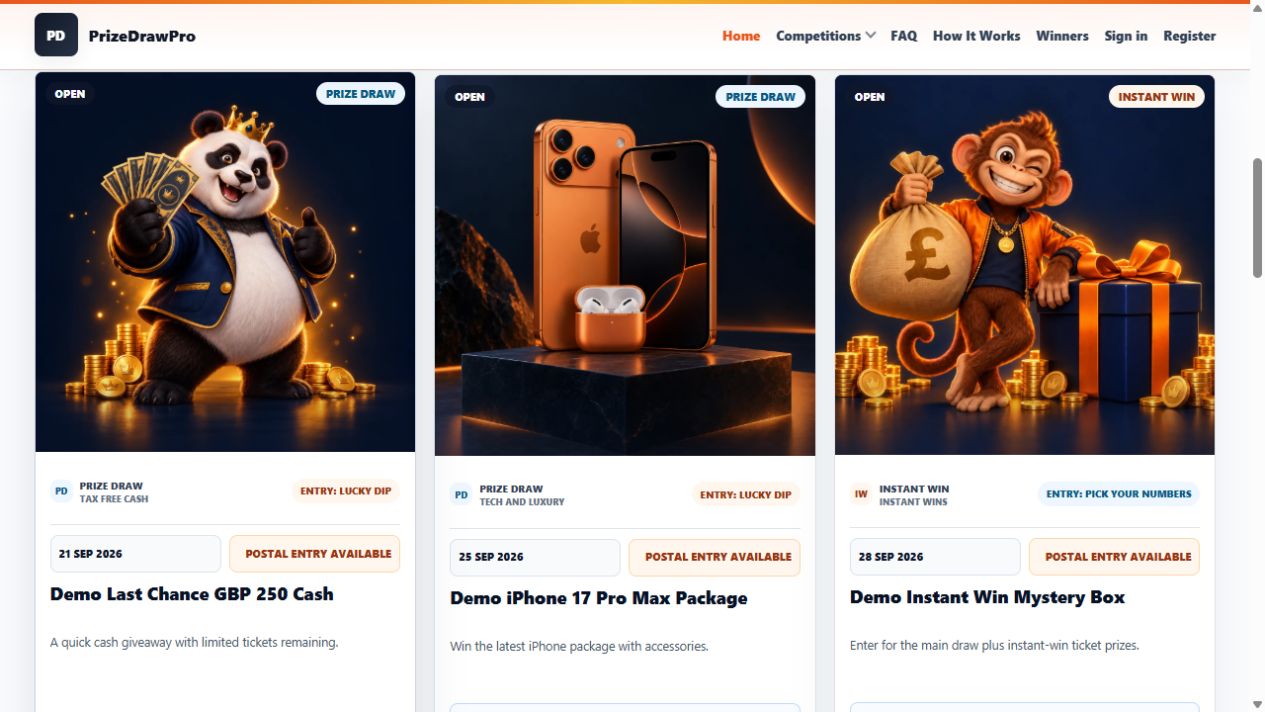
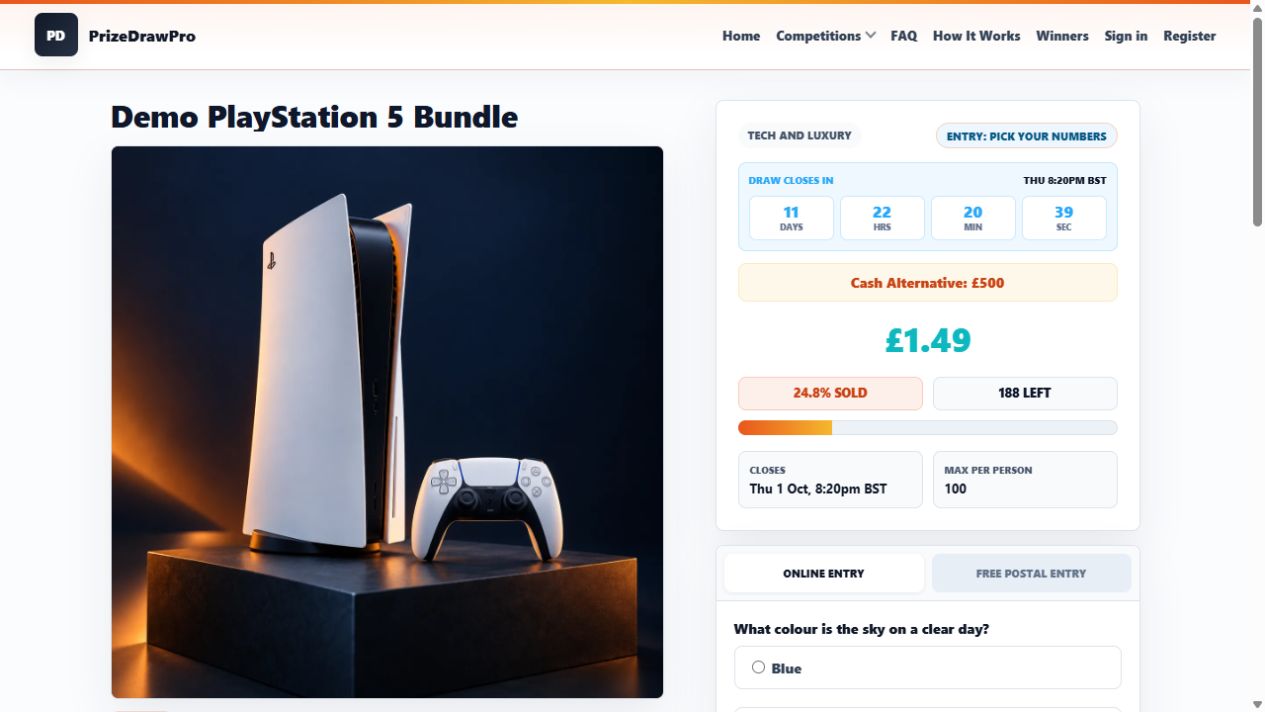
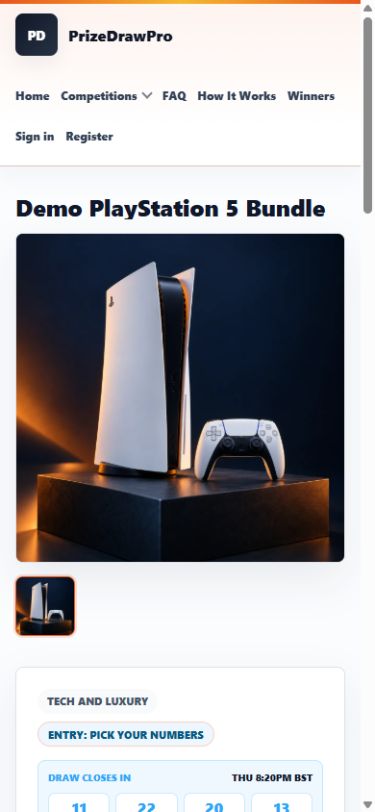
Screenshots show demo content. Prize artwork, balances and competition figures are examples, not operating results. Select an image to view it at full size.
PHP 8.3 or newer, MySQL or MariaDB, HTTPS, and Laravel-compatible hosting. Composer and scheduled task access recommended.
Hosting, domain registration and custom development are separate from your software licence.
A connected set of tools for your competition website, your customers and the work behind the scenes.
Want to see how you manage it all?
Explore the admin featuresThe script includes an administration panel for the work behind your website: setting up payments, changing its appearance, managing entries and helping your customers.
Configure Stripe, PayPal, Trustly, Nochex, Cashflows and Coinbase from the admin panel. Enable the methods you want to offer and enter the relevant account credentials.
Bank transfer settings let you display payment instructions and confirm received transfers. Wallet controls cover wallet payments and customer top-ups.
Payment providers require your own account, credentials and approval for your business. Available test and live modes depend on the integration.
Add your logo and banner artwork, set theme colours and choose how the header and footer appear. Adjust header width, sticky navigation, homepage banner width and competition cards per row.
Control footer colours, social links, homepage statistics and frontend dark-mode settings from the same area.
Manage competitions, categories, prize images and skill questions. Set up ticket availability and entry options, including Lucky Dip, automatic allocation and Pick Your Numbers.
Review postal entries, manage instant-win settings and maintain winner records alongside your competitions.
Find customer orders and review their tickets, payment status, gateway and provider reference. See reservation and payment dates when investigating an order.
Manage coupon codes, wallet accounts, top-ups and transaction records, with an audit log available for reviewing recorded activity.
Manage customer records and respond to support tickets from the administration panel. Keep FAQs and content pages up to date as your business develops.
Edit site details, configure regional currency and timezone display, and use maintenance controls when you need to take the public website offline.
Configure email delivery through the dedicated email settings area. Use the site's SEO controls to manage its search presentation and indexing settings.
These controls are included with the script, so you can configure the website around your own brand and services after installation.
Choose Prize Competition Script and bring your project into your PrizeDrawPro workspace.
6 months Support & Updates included. Use the email address you want to manage your purchase with.
On your own compatible hosting and domain. Review the requirements above before buying.
In your customer workspace, alongside product documentation, registered websites and support.
The included period lasts 6 months. Eligible renewals are available through your account for your existing licence. Please review the licence terms for full conditions.
Your account can hold multiple licences. Each licence has its own website and installation allowance.